Omni-Radiusrun your internet network from the cloud
Subscribers, packages, vouchers and payments in one Arabic and English panel. Import one script into your MikroTik and you are connected; no server to buy or maintain.
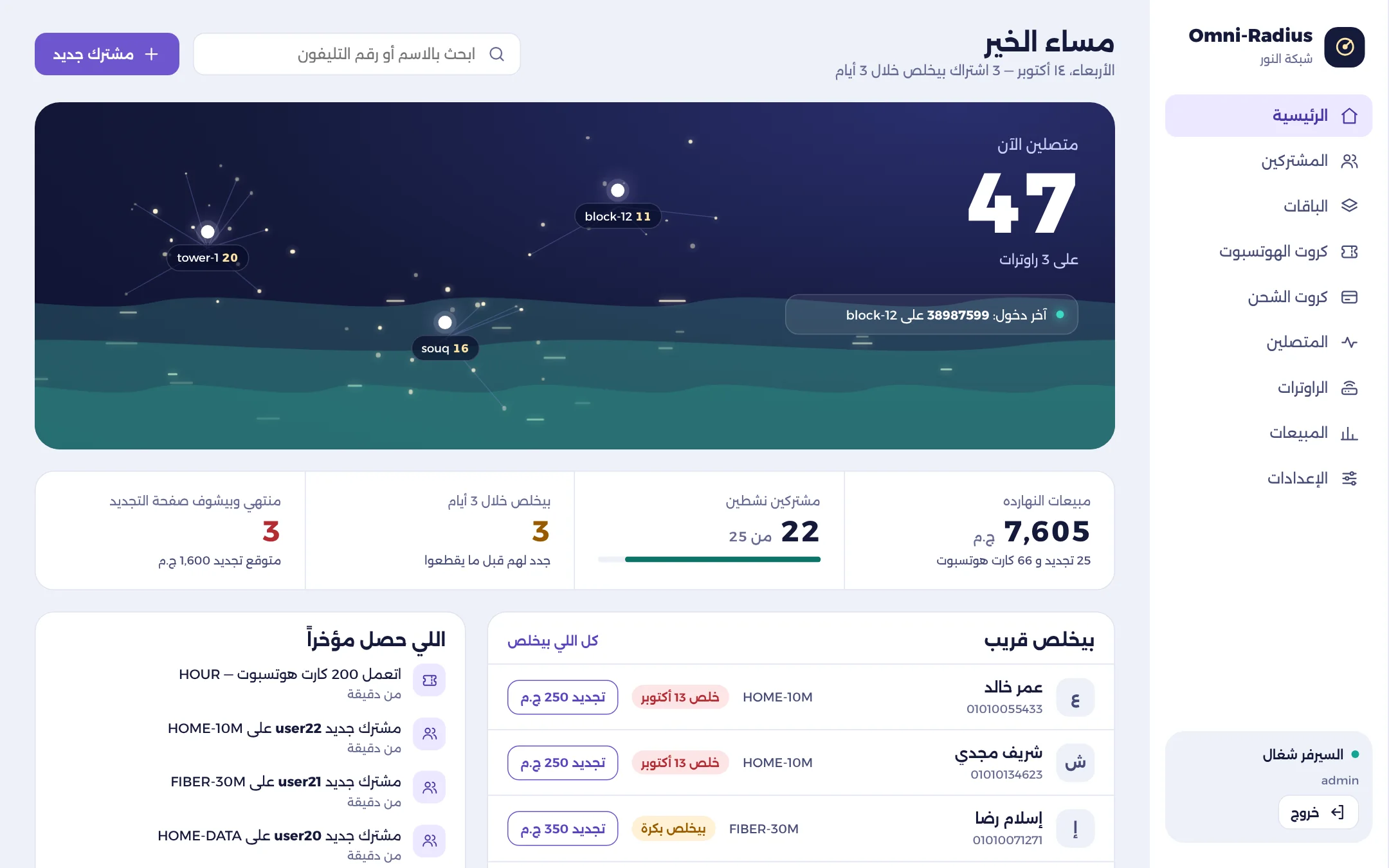
Everything an internet network needs
PPPoE and hotspot
Both subscriber types on the same panel, with speeds, quotas and expiry per package.
One-script setup
Download the router script from the panel and import it. It configures everything, with no manual steps.
Works where VPNs are blocked
Routers reach the cloud over SSTP on port 443, with WireGuard where it is not blocked.
Vouchers and printing
Design hotspot vouchers and print hundreds in one click.
Wallet auto-renewal
Subscribers transfer by Vodafone Cash; the amount is verified and the subscription renews automatically.
Live changes
Any change to a subscriber, including speed, reconnects them so it takes effect at once.
Resellers
Give agents their own balance and subscribers, under your control.
Mobile apps
Omni Control for owners and resellers, Omni Client for subscribers, and Omni Pay for the wallet phone.
Line merging
Bonding or load balancing across several WAN lines, configured from the panel on your MikroTiks.
See the systems from the inside
Real screens from the systems in use.
Live in three steps
Create your account
Sign up on the panel and add your network.
Import the router script
One script per MikroTik connects it to the cloud.
Add packages and subscribers
Or migrate your existing subscribers with our team.
Frequently asked questions
Do I need my own server?
No. Omni-Radius runs in the cloud; you only need your MikroTik routers.
What if my ISP blocks VPN traffic?
Routers connect over SSTP on port 443, which looks like normal HTTPS traffic.
Can I migrate from another RADIUS system?
Yes. Our team helps you move your existing subscribers.
Is there a trial?
Yes. Create an account and try it on your own network.