Omni-CCTVevery camera, every branch, one wall
Up to 64 live cameras in any browser with low delay. Each user keeps their own layouts, and every site appears on the same wall.
A video wall without a video wall
Up to 64 live cameras
An 8×8 wall in the browser with low-delay WebRTC streams.
Layouts per user
Each user saves their own camera arrangements and opens them in one click.
All sites on one wall
Group cameras by branch and switch between sites instantly.
Smart stream quality
Light substreams on the grid, full quality when a camera is enlarged.
Active Directory sign-in
Users sign in with their company accounts.
Secured by design
HTTPS, protected streams and a sign-in history for every user.
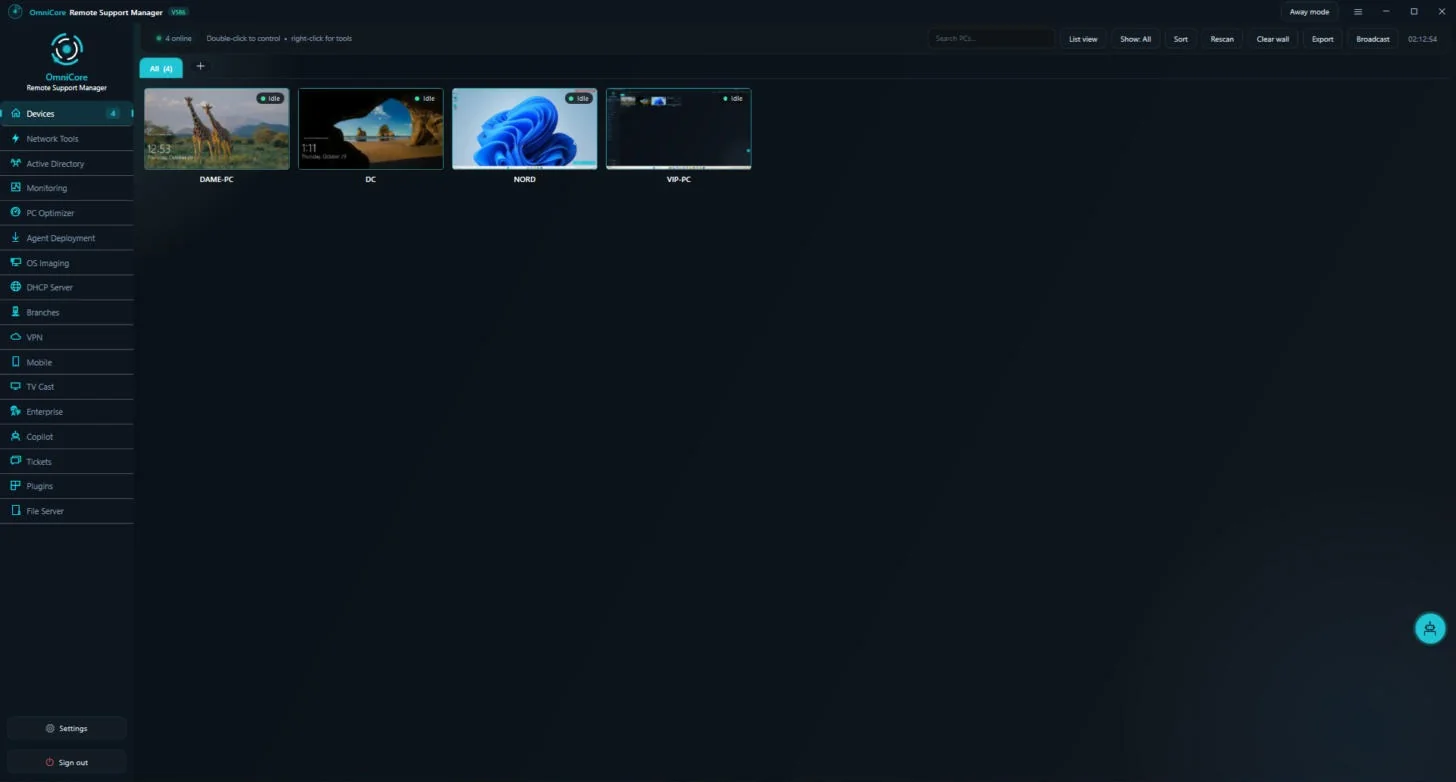
See the systems from the inside
Real screens from the systems in use.
Running in three steps
Add your cameras
Enter your cameras once; Omni-CCTV prepares the streams.
Create users and sites
Assign sites and permissions per user.
Open the wall
From any browser on your network.
Frequently asked questions
Does it need a special client?
No. The wall runs in any modern browser.
How many cameras can one wall show?
Up to 64 live cameras at once.
Can each user see different cameras?
Yes. Sites, layouts and permissions are set per user.